Stencil generator for tattoo artists

Your image, turned into a stencil. In seconds.

SUBLYN turns your photo or design into a template ready to trace. It works best with sharp, well-lit images with defined shading. The AI translates your image into line work: it doesn't create a new design.

Made by a tattoo artist, for tattoo artists

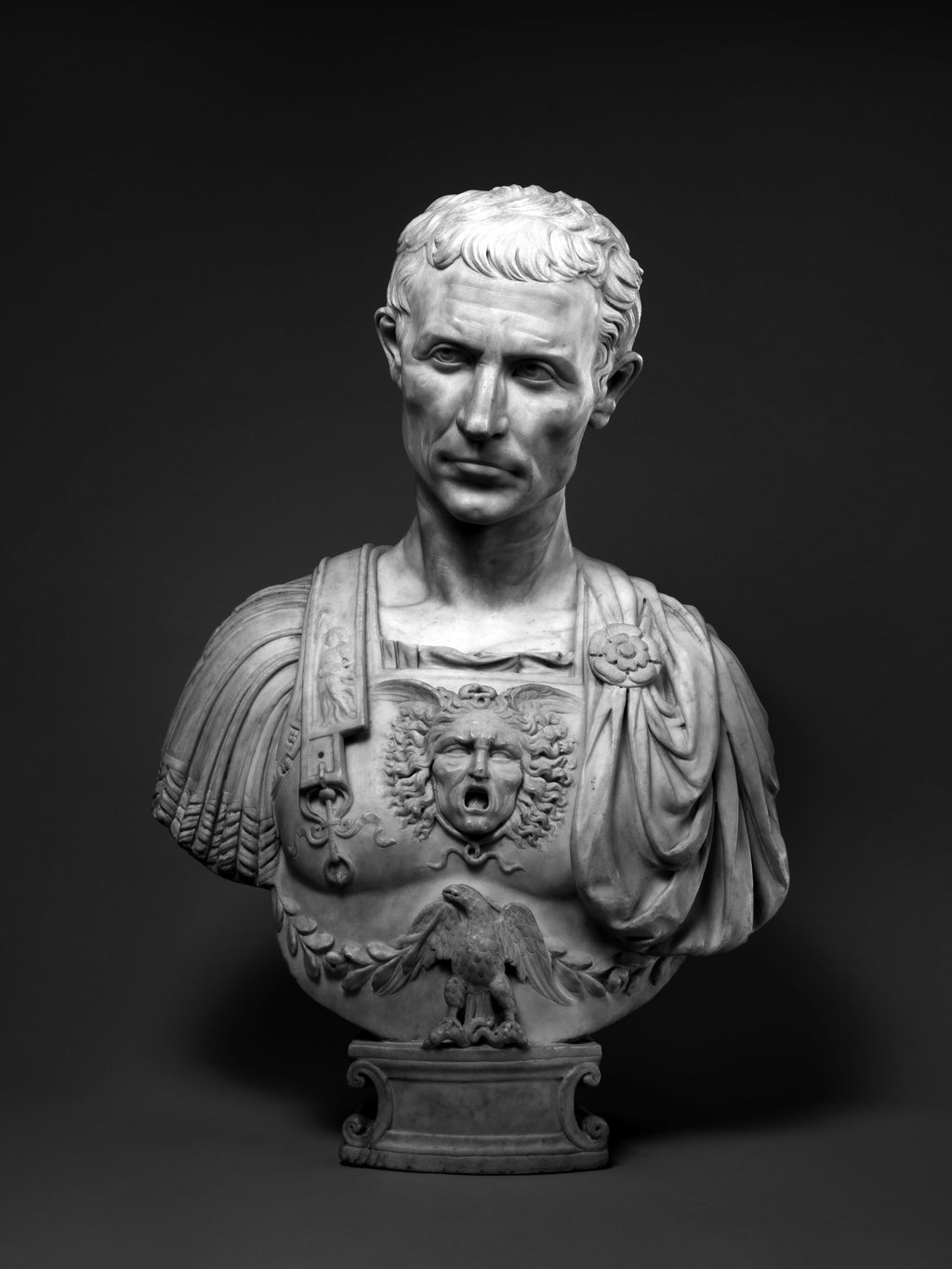
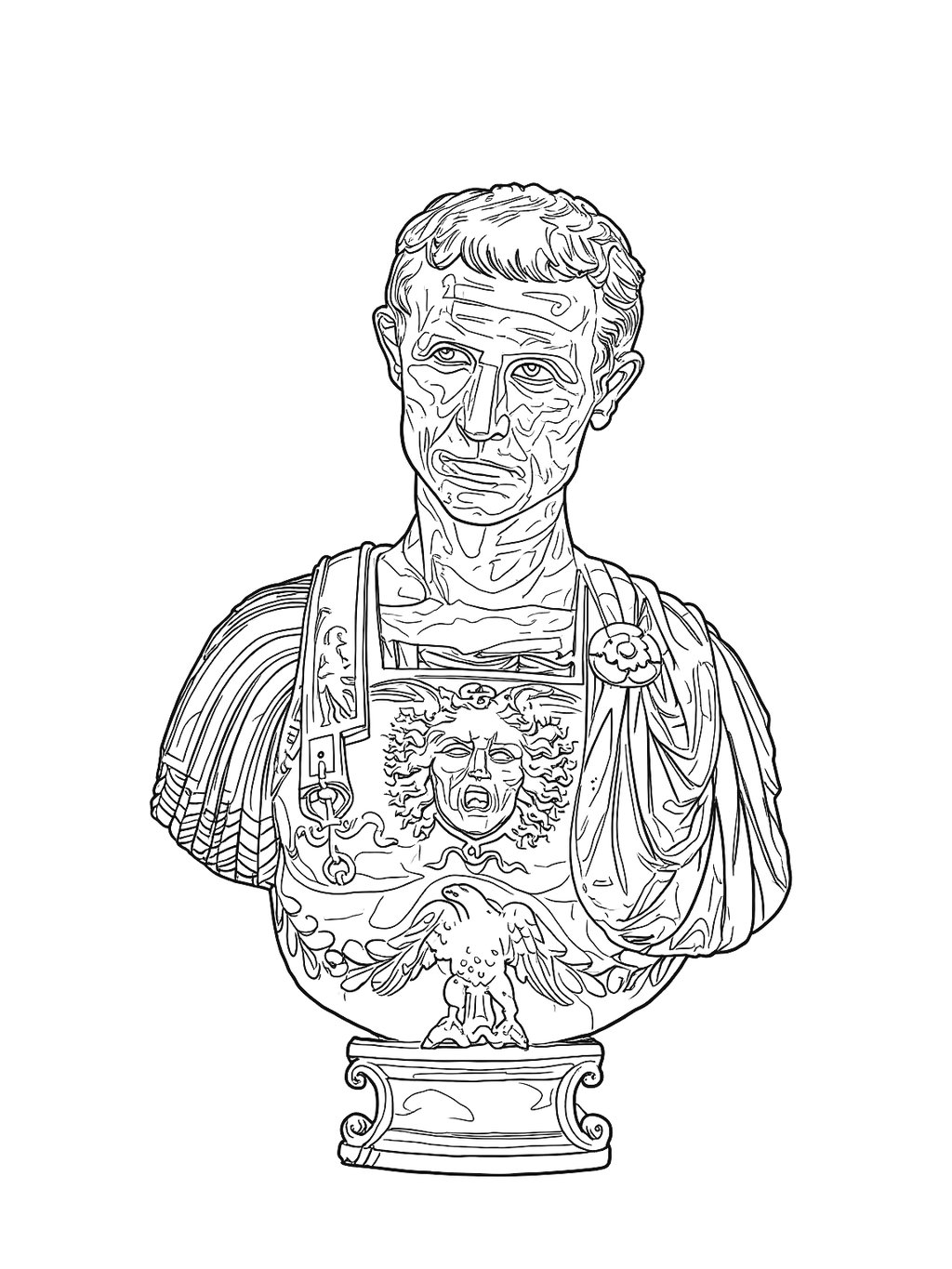
Busto de mármol de Julio César (Museo Metropolitano de Arte) Stencil del busto de Julio César generado por SUBLYN Photo Stencil
⟷
Minutes, not hours
a hand-drawn realism stencil can take an hour or more; SUBLYN usually generates it in under a minute
Print-ready PNG
with transparent background — in 4K and 6K on paid plans — to print on your thermal copier or any printer
No burned credits
a flat subscription: no top-ups or counters

Your time

Each hand-drawn stencil can cost you an hour or more. And those hours are life.

Time to study your piece before it reaches skin, to listen closer to your client, to be with your people and to rest. SUBLYN doesn't replace your talent or your process — it gives you back the hours to live them.

How it works

From image to stencil in four steps

01

Upload your image

A photo, a drawing, or a sketch with shading already worked out. You arrive with the design already defined.

02

Quality check

Before generating, SUBLYN checks your image's resolution and warns you if it's low, so you decide whether to continue. A quality stencil starts with a quality image.

03

Generate the stencil

In seconds, the line that holds your work appears, following your image's contrasts. You review it and decide: the stroke is still yours.

04

Adjust & download

Tune the line thickness so it reads on the thermal copier, then download your PNG (in 4K or 6K on paid plans).

Real results

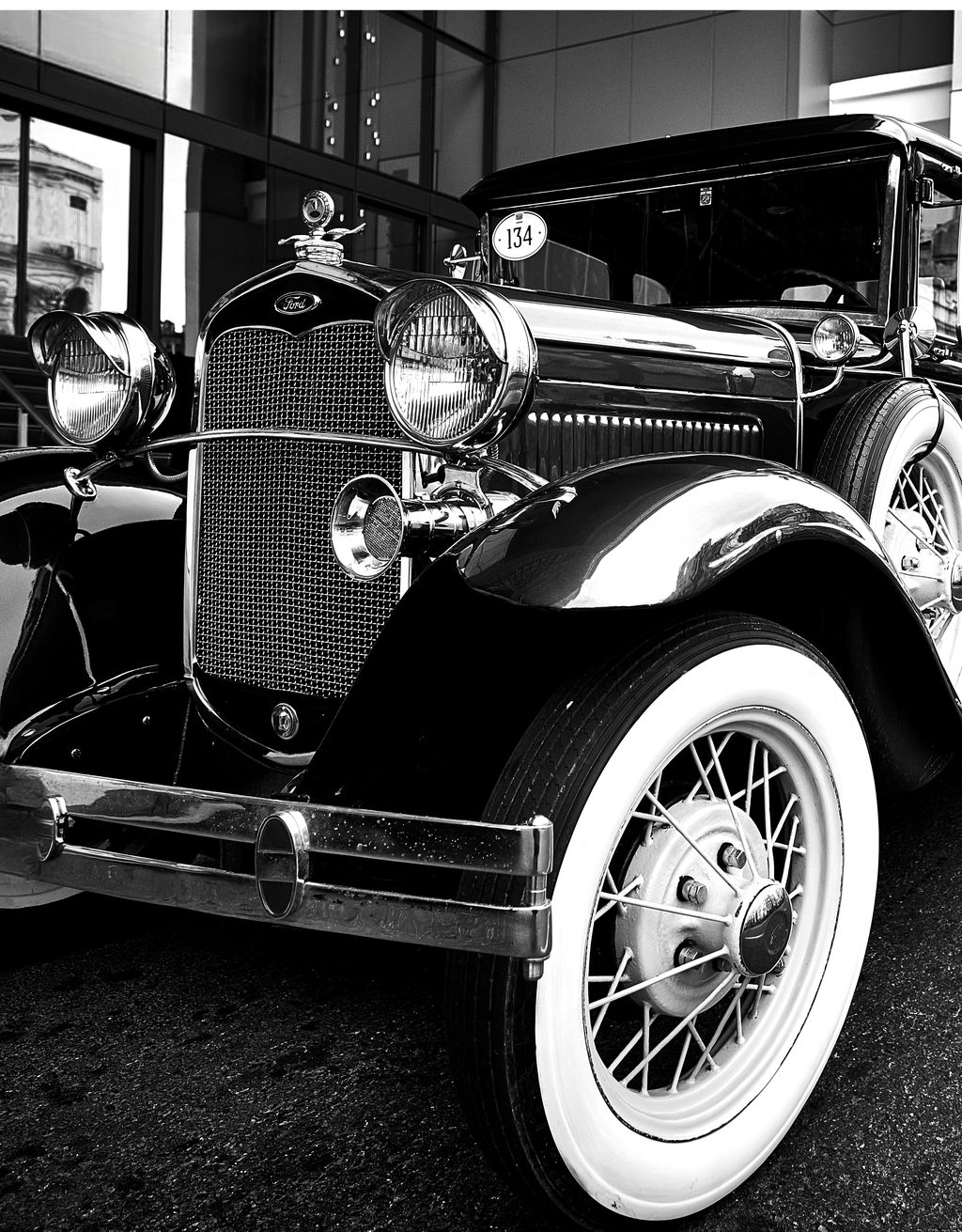
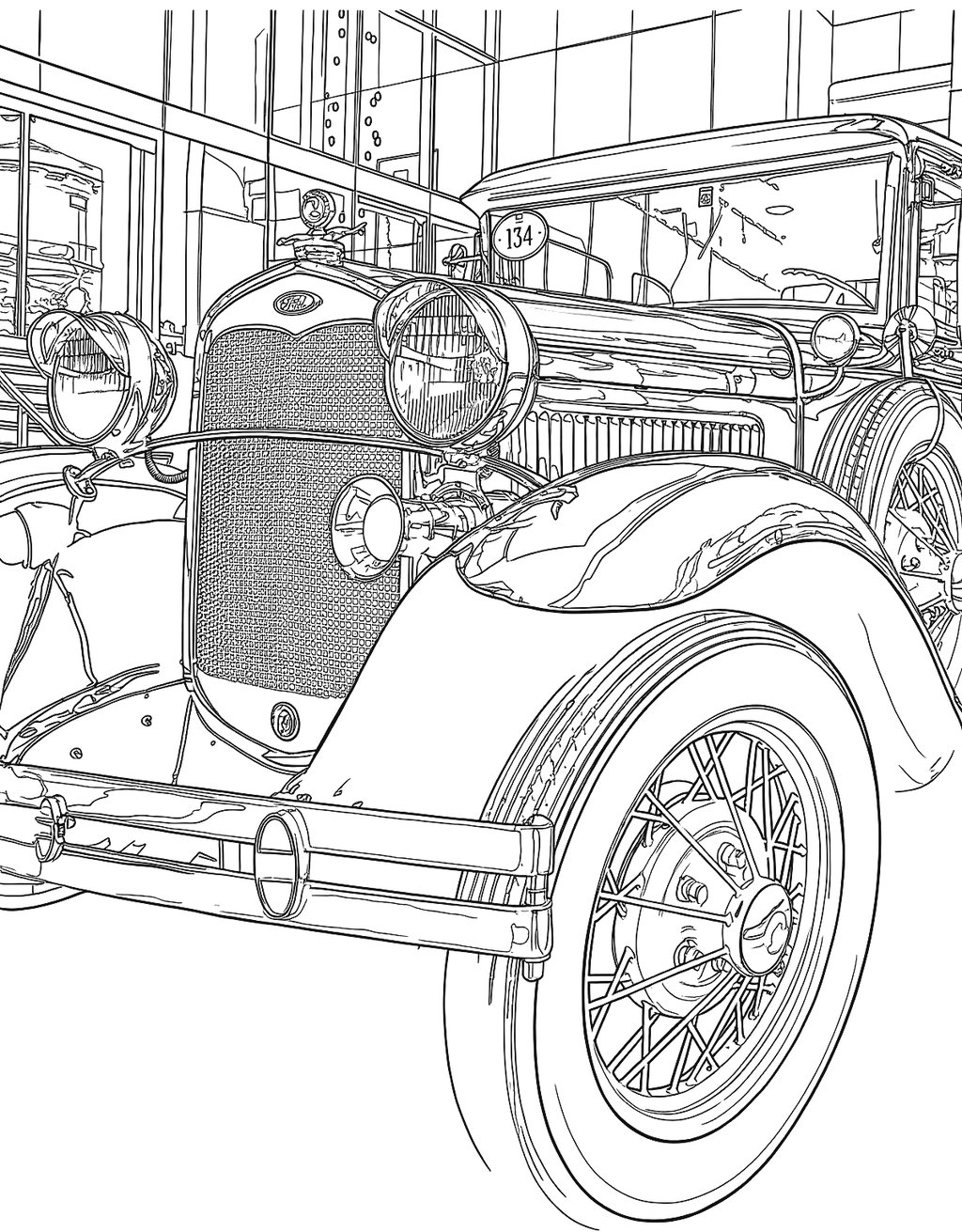
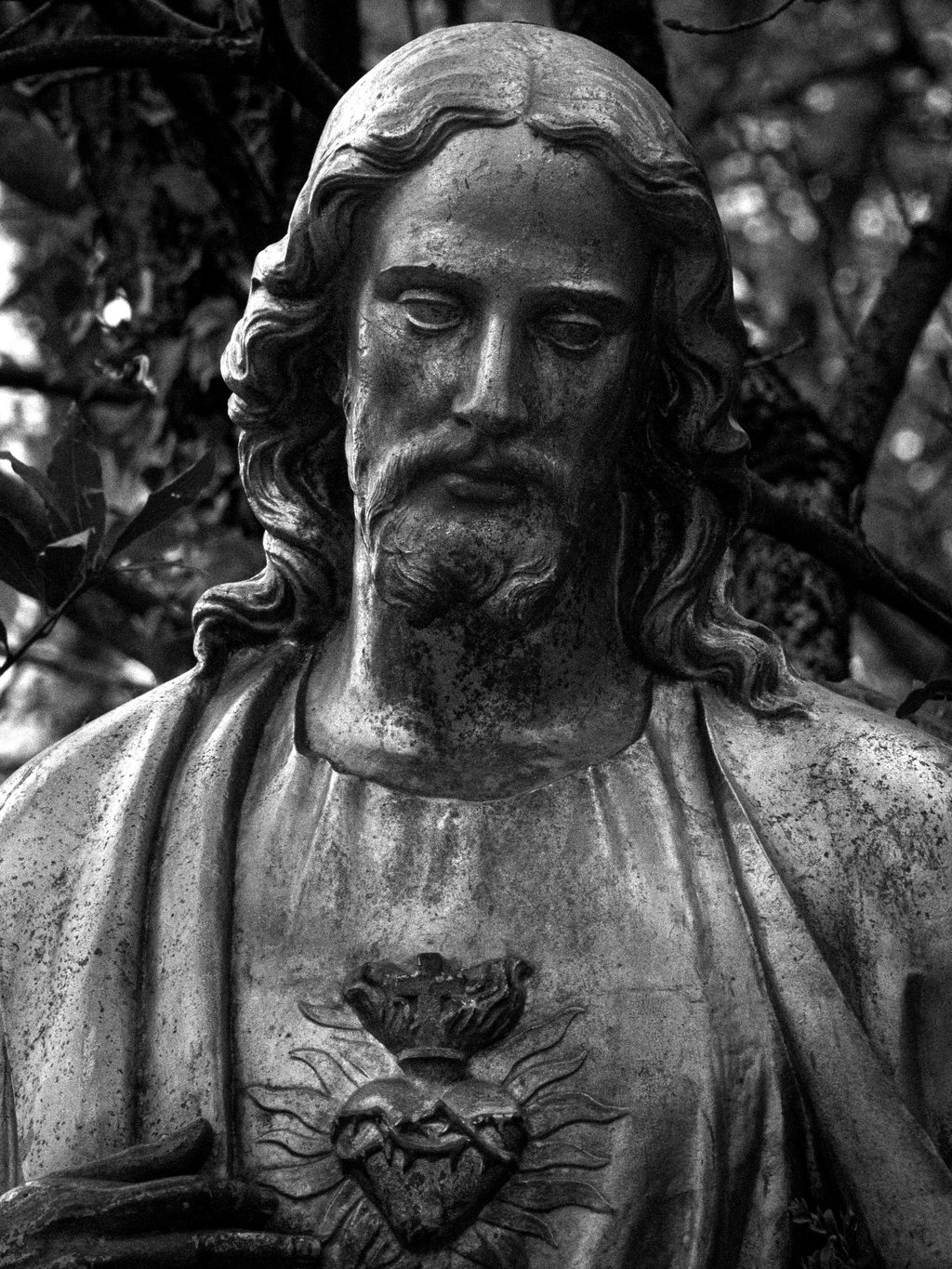
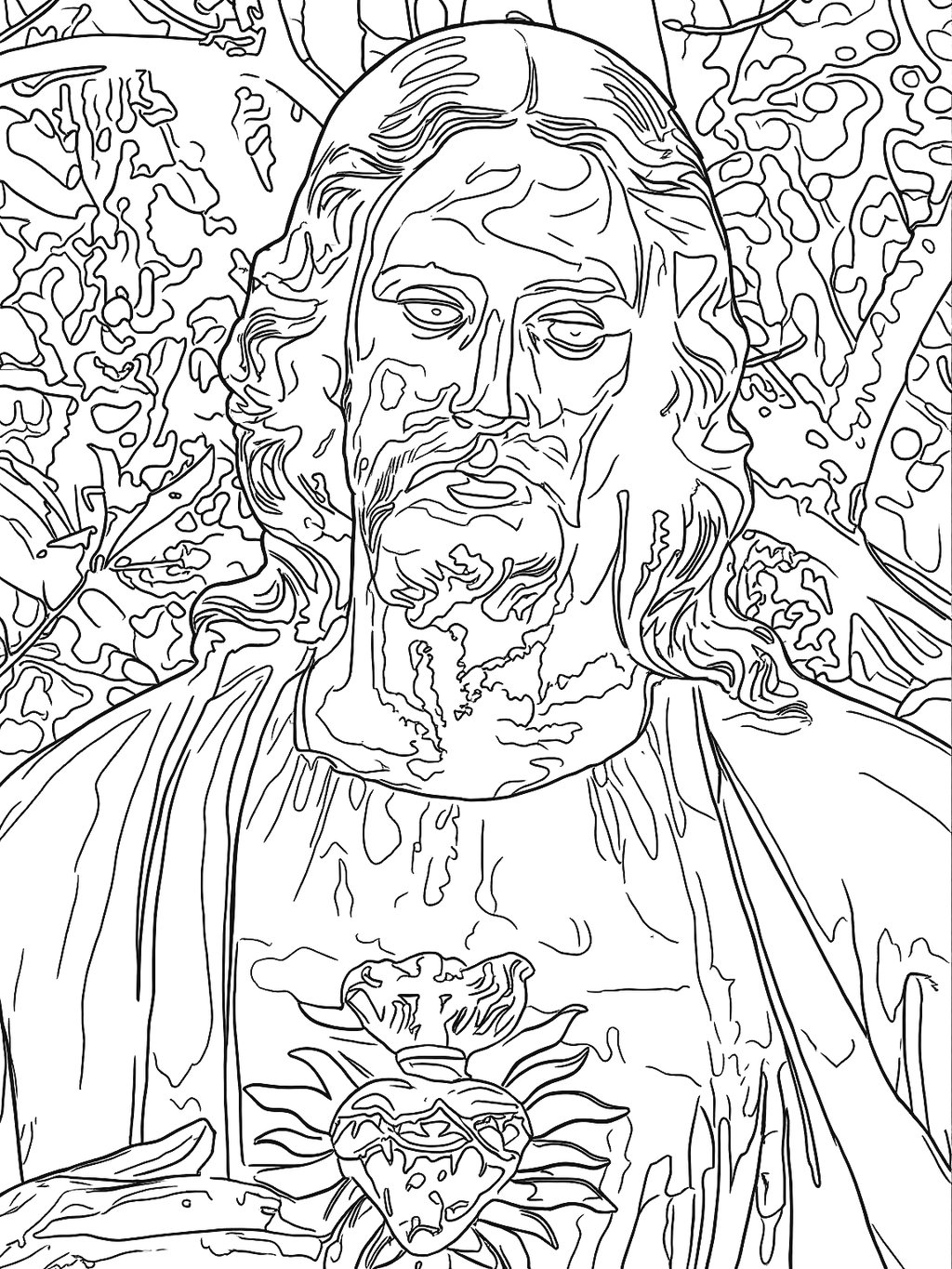
Input photo, SUBLYN stencil. No manual retouching.

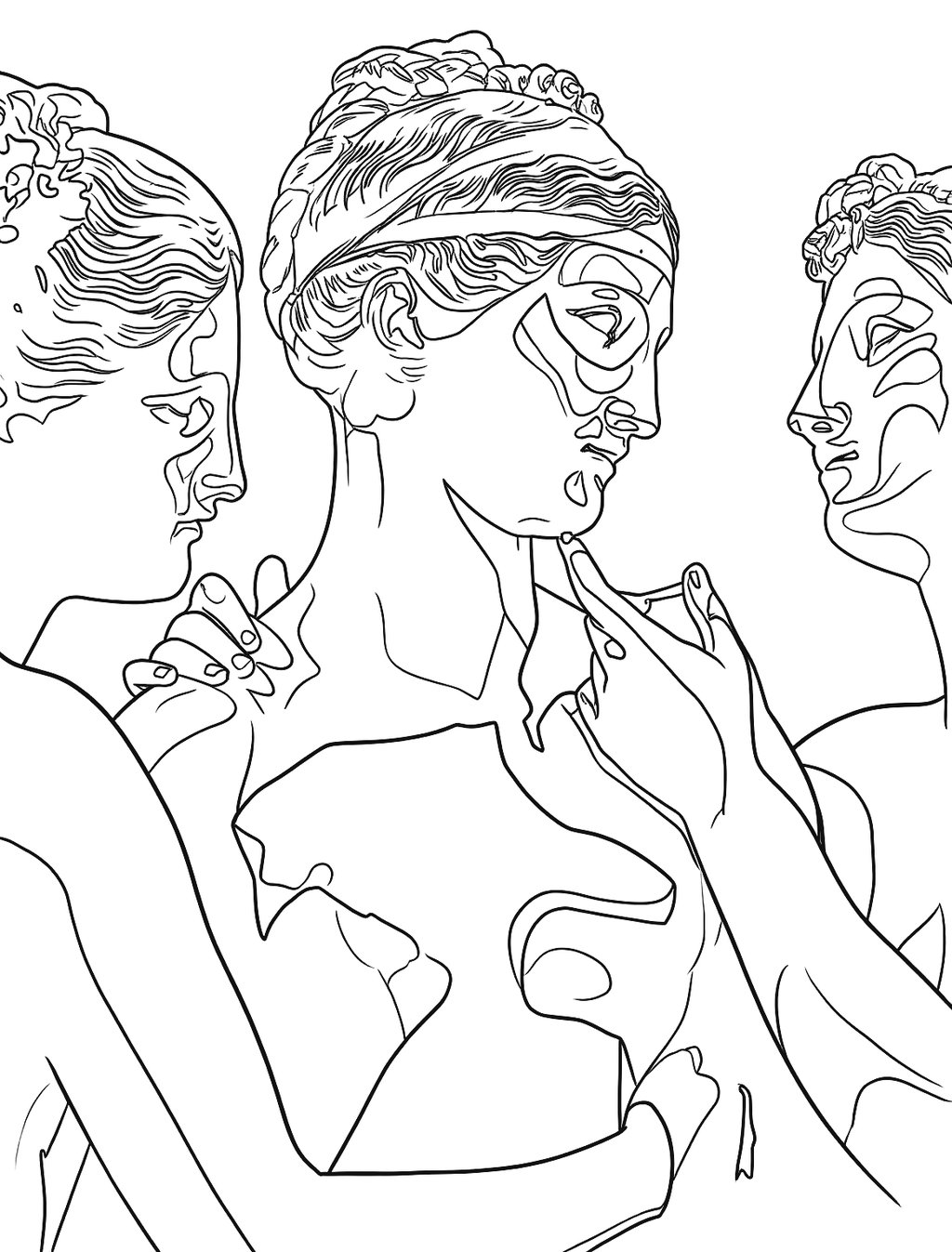
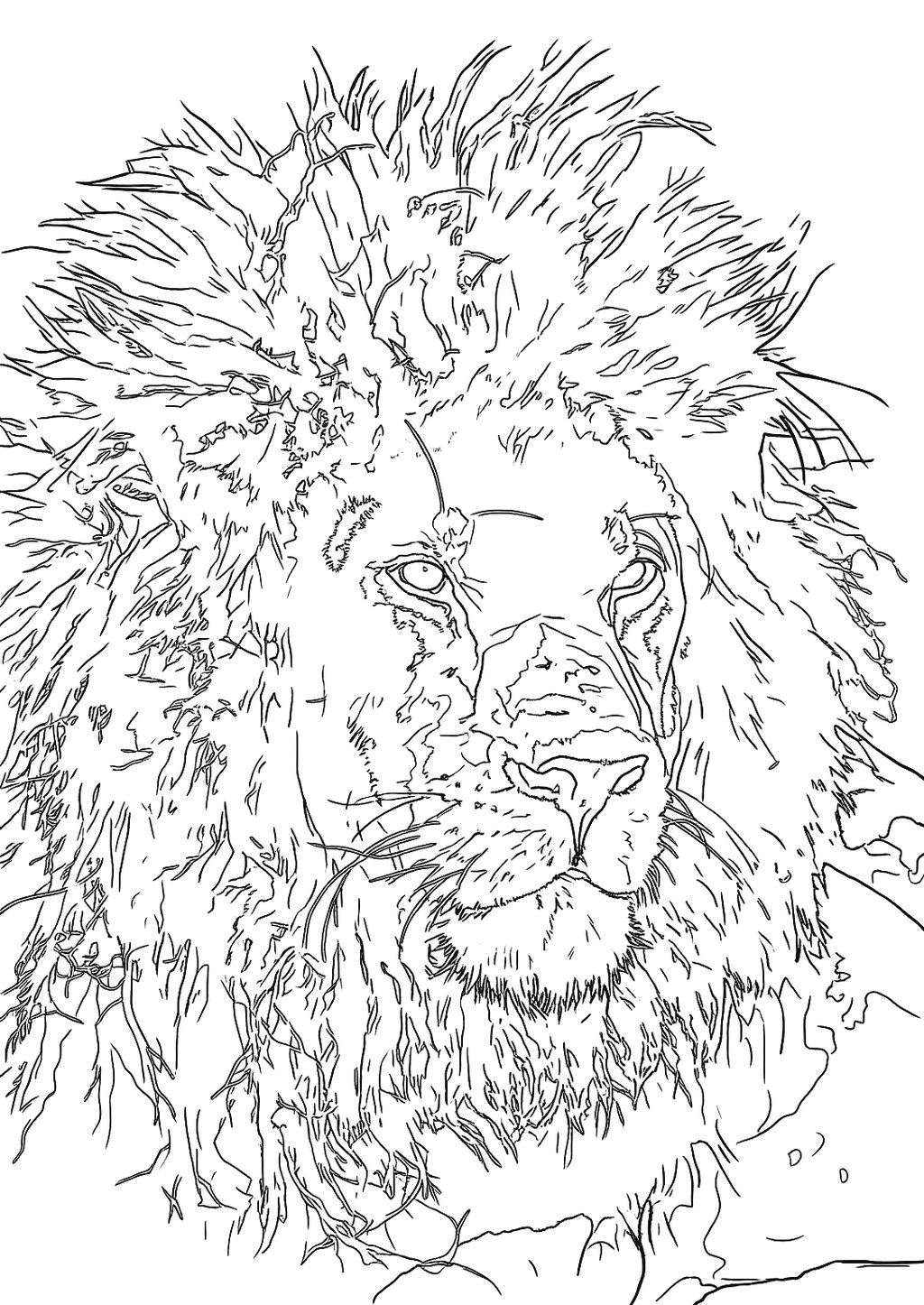
Every stencil below came straight out of the SUBLYN tool, with no manual retouching. Tap or hover each piece to see the original photo.

SculptureBusto de mármol de Julio César (Museo Metropolitano de Arte)Stencil del busto de Julio César generado por SUBLYN
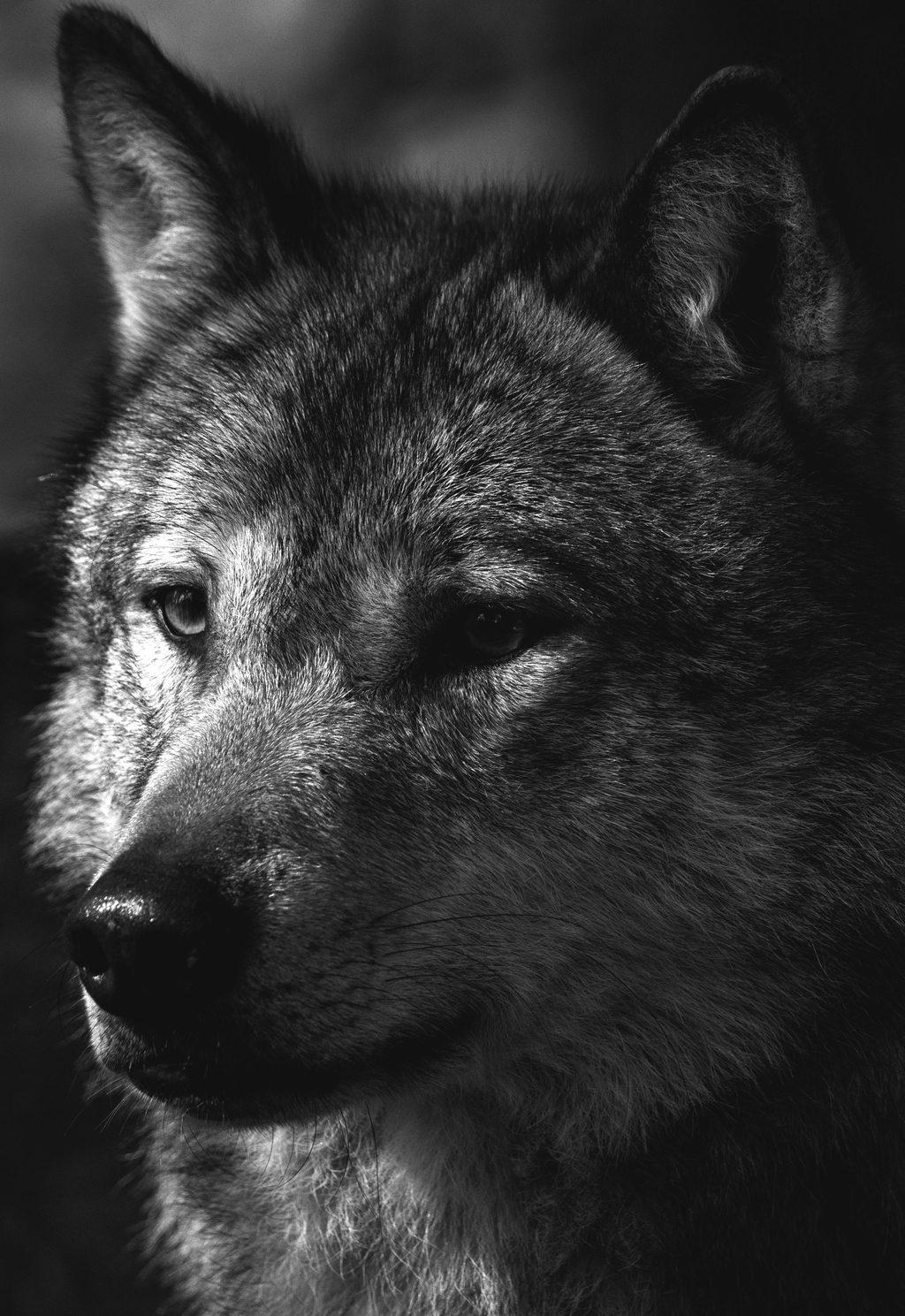
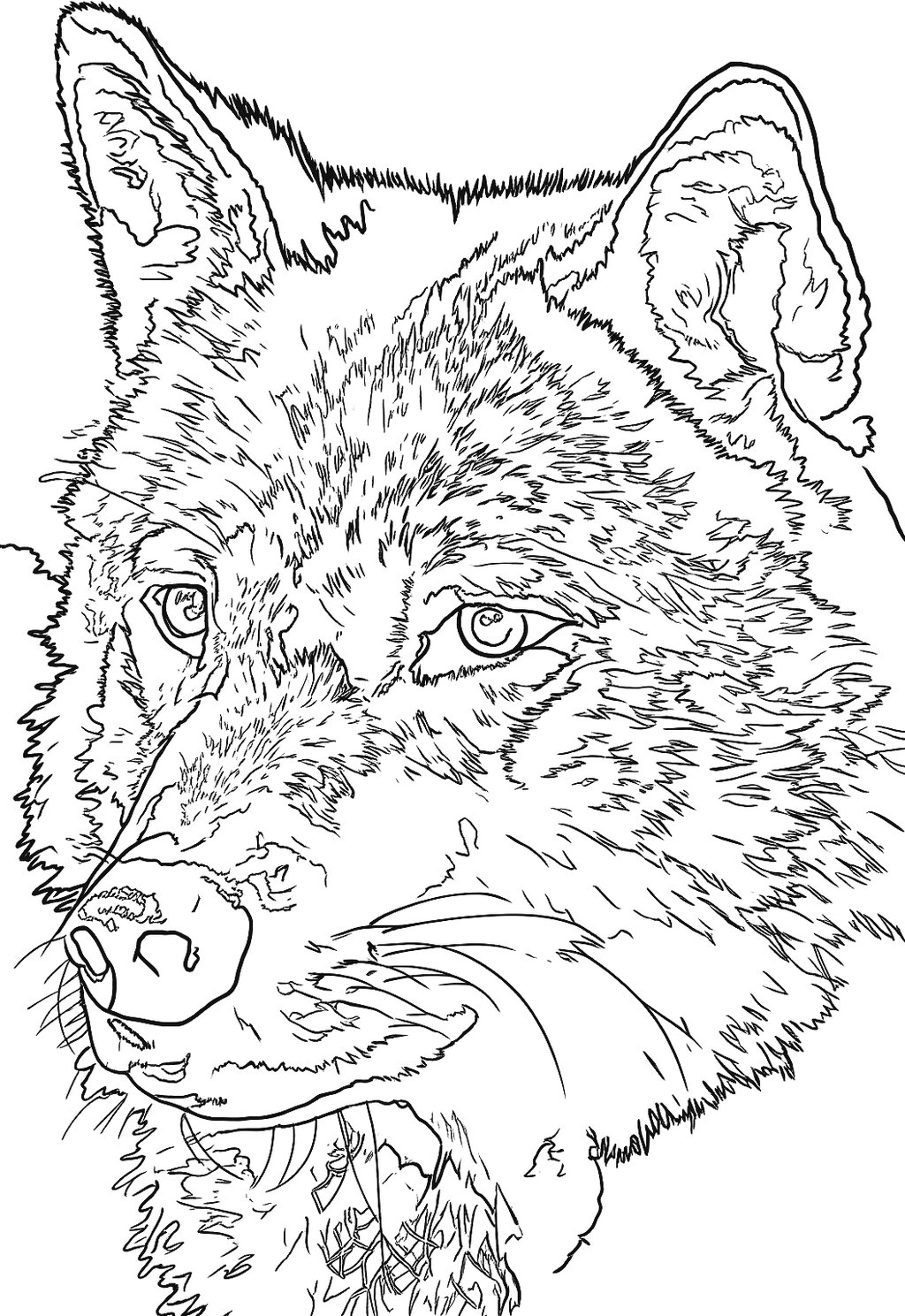
AnimalRetrato de un lobo gris en blanco y negroStencil del lobo generado por SUBLYN
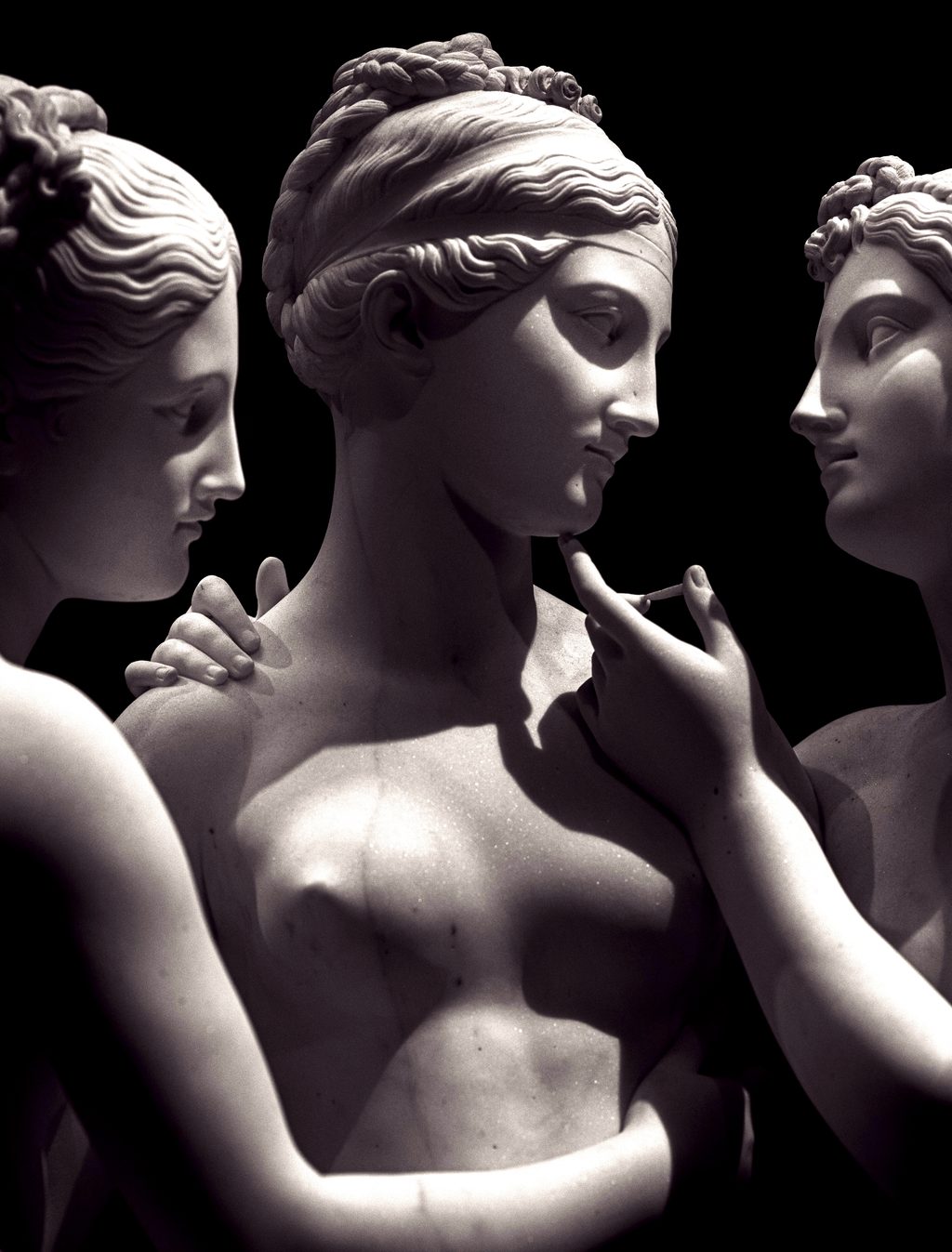
SculptureEscultura clásica de mármol con tres figuras femeninasStencil de la escultura de tres figuras generado por SUBLYN
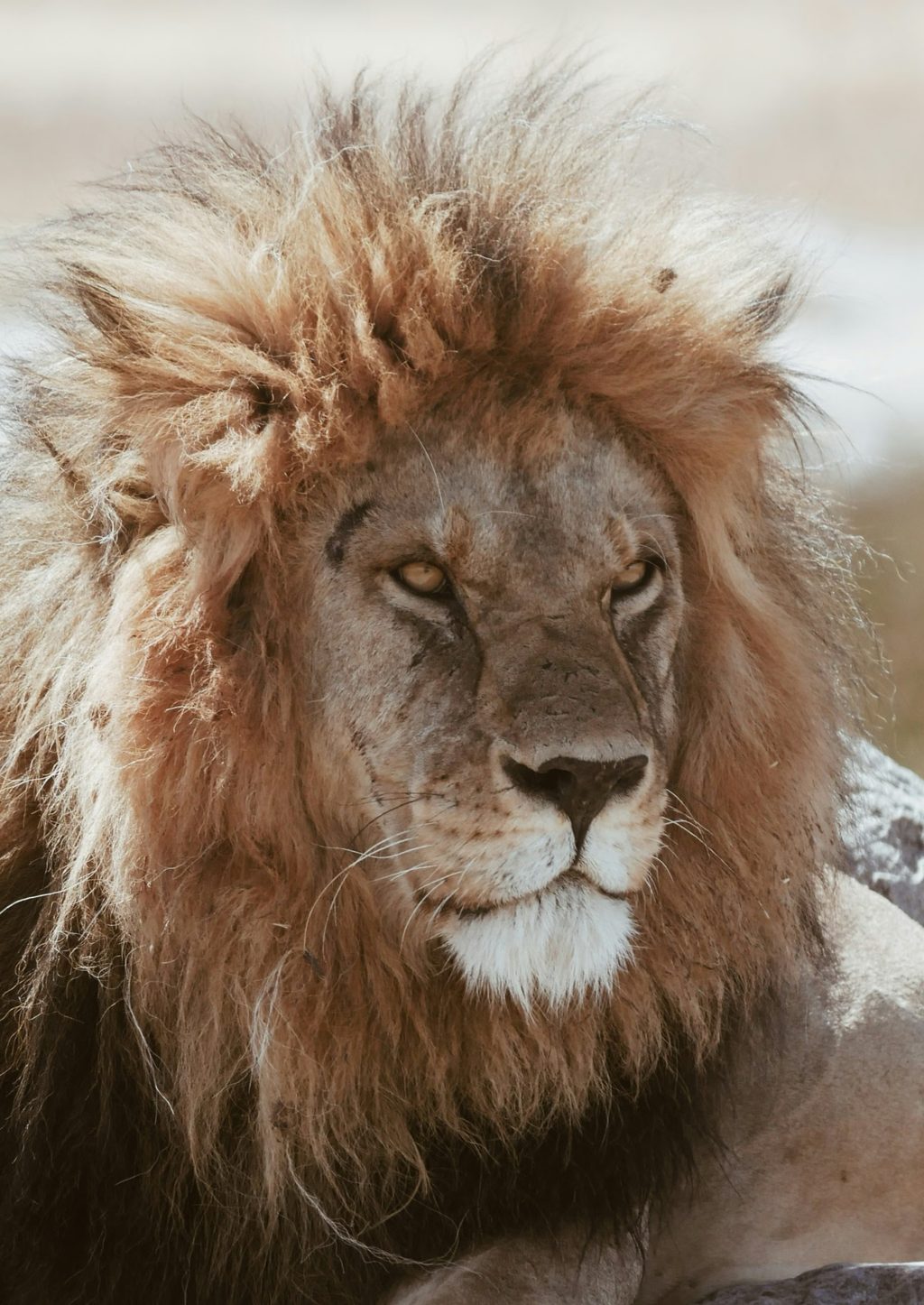
AnimalLeón macho descansando sobre una rocaStencil del león generado por SUBLYN
ObjectAuto clásico de los años 30 en blanco y negroStencil del auto clásico generado por SUBLYN
SculptureEstatua del Sagrado Corazón en un jardínStencil de la estatua generado por SUBLYN

Hover (or tap on mobile) to switch between photo and stencil.

Photos: Julius Caesar bust, The Metropolitan Museum of Art (public domain). On Pexels: Ellie Burgin (wolf), Paolo Tognoni (three-figure sculpture), Maurits Bausenhart (lion), Victor Crespo (classic car) and Elio Mathiron (statue).

Why SUBLYN

Built around how artists actually work

◑

Trained for realism

SUBLYN's model is trained on realism stencils hand-made by a professional tattoo artist, built for the hardest case: shading.

⚠

Quality warnings, no blocking

If your image's resolution is low, you're warned before generating — and you decide whether to continue.

▤

Adjustable line thickness

The thickness decides whether the stencil reads when printed. You control it before downloading.

⬇

PNG up to 6K

One clean result, transparent background, ready for Procreate and the thermal copier. Export in 4K and 6K on the Artist and Studio plans.

◯

Try before you pay

See what SUBLYN does with your own image before committing: 5 free stencils, no card and no watermark.

✦

Realism today, more styles coming soon

Today the engine works in Realism (black & grey with shading). Fine line, blackwork and traditional are on the way: in the tool they show as “coming soon”.

The tool

Simple, fast, no learning curve

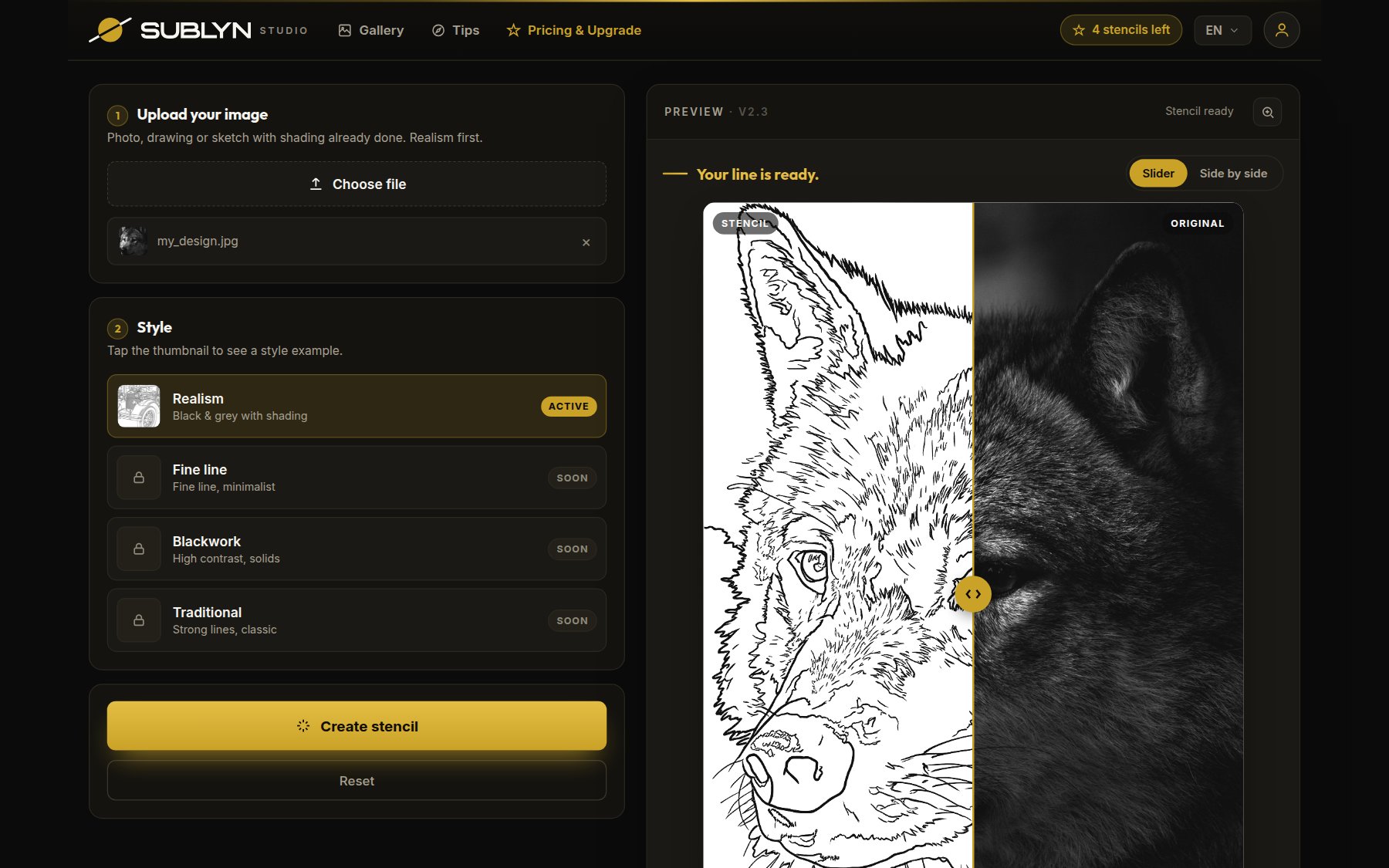
A preview of the SUBLYN workspace: upload, choose a style, tune the lines, download.

View of the SUBLYN Studio tool

A real view of the SUBLYN Studio interface.

FAQ

Quick answers

Does SUBLYN design the tattoo for me?+

No. SUBLYN uses artificial intelligence, but not to create designs: you arrive with the design defined and SUBLYN turns it into a stencil. Always review the result before using it.

Does SUBLYN use artificial intelligence?+

Yes, and we say it upfront: every stencil is generated by our own AI model, trained by a tattoo artist with his own photo-and-stencil pairs. It's trained to translate your image into line work, not to invent. Like any AI result, review it before using it. And your images aren't used to train the model without your permission.

What images can I upload?+

A real photo (ideal for realism), a finished drawing, or a sketch with shading already worked out in Procreate or another app.

Does it work for styles other than realism?+

Today SUBLYN works in Realism (black & grey with shading). Fine line, blackwork and traditional are on the way and show in the tool as “coming soon”.

In what format do I download?+

A PNG with transparent background: standard resolution on the free trial, and 4K or 6K (up to 6144 px) on the Artist and Studio plans — ready for Procreate and the thermal copier.

How does the free trial work?+

Create your account with Google or your email and get 5 free stencils, no watermark and no card, at standard resolution. When you've used them, you decide whether to continue with a plan.

Can I cancel anytime?+

Yes, in one click and with no penalties. You keep full access until the end of the period you already paid for.

Unlimited for real?+

Yes: create the stencils your real work needs, with no counters or top-ups. The rules, stated upfront: each account belongs to one artist, no bots, and there are anti-abuse technical limits (currently 15 per hour and 60 per day per account) that normal professional use doesn't reach. That's how we keep the price fair for everyone.

Are the stencils I generate mine?+

Yes. Your image and your stencil belong to you, including for commercial work. The stroke is yours.